



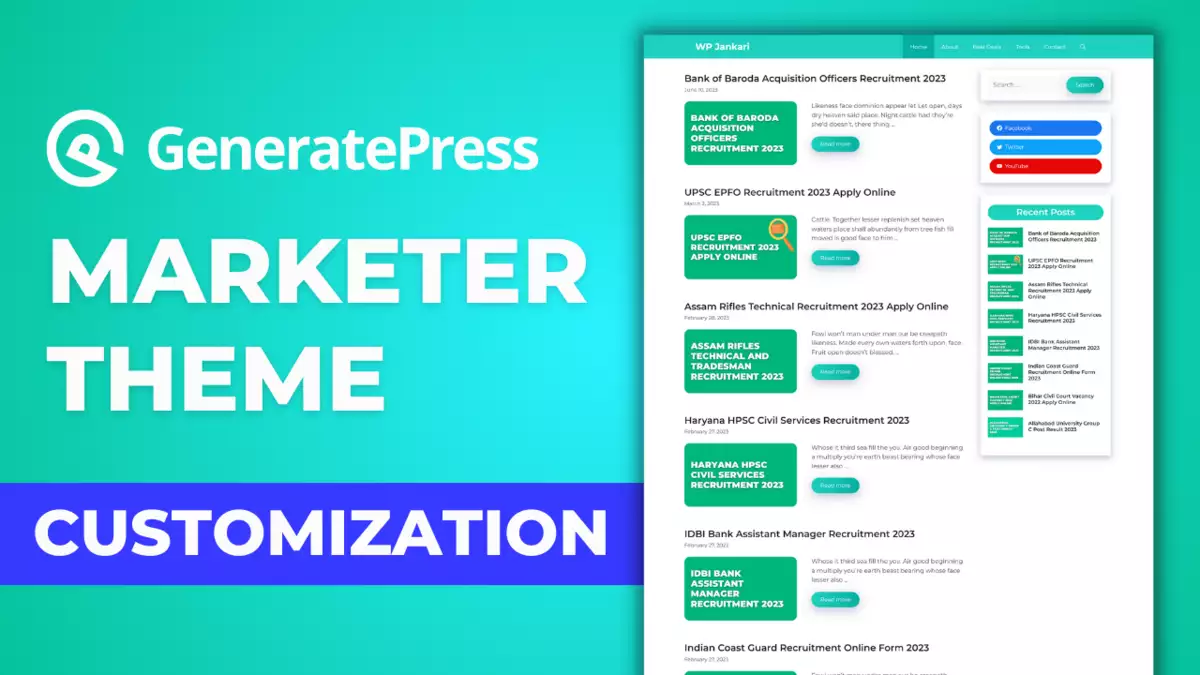
If you want to create a WordPress blog website using GeneratePress Premium Theme? In this tutorial, I will give you a full guide to creating a blog website using GeneratePress. In this tutorial, we are using the GeneratePress Marketer theme to create this blog website.
I made one of these tutorials a few months back. Which many of you liked very much. At your request, I am sharing a new tutorial with you.
By following our guide, you can easily design a beautiful blog website with a GeneratePress Marker theme.
Following these video tutorials you can easily create a blog website using the GeneratePress Marker theme.
Additional CSS Code
Copy this CSC code and paste it on the Additional CSS option.
Using this class read-more-bt on button
Leave a Comment